Managed IT
Managed IT Services in Tysons, VA: How to Choose a Provider
·
7 MIN READ
A practical guide to evaluating managed IT services providers in Tysons, VA, including what to ask, what a fair contract looks like, and the red flags that predict a bad fit.
If your company is based in Tysons, VA and you are comparing managed IT services providers, you are probably doing it for one of two reasons: your current setup is not holding up, or you have grown past what one part time IT person or a stack of consumer grade tools can support. Either way, the decision carries more weight than most vendor choices, because a managed IT services provider ends up touching almost everything your team relies on every day, from email and file storage to the network, the phones, and every laptop in the building.
This guide walks through how managed IT services actually work, what a competent provider should include in a standard agreement, the questions that separate a serious IT company from a reseller with a help desk, and the tradeoffs worth understanding before you sign a multi year contract.
Tysons sits along the Capital Beltway and Route 7, anchored by Tysons Corner Center and Tysons Galleria, and it has grown into one of the largest concentrations of office space in the Washington DC region. The Silver Line stations at McLean, Tysons, Greensboro, and Spring Hill have pulled in a dense mix of corporate offices, financial and professional services firms, and newer residential and retail development built up around the Metro stops. That density means a lot of Tysons businesses share the same practical IT problems: multi tenant office towers with shared internet infrastructure, hybrid teams split between a Tysons office and home, and compliance obligations tied to finance, government contracting, or professional services work.
Managed IT services means a provider takes ongoing responsibility for your technology instead of billing you only when something breaks. That includes monitoring servers and endpoints, patching software, managing backups, running the help desk, and planning upgrades before old equipment fails. It is a different relationship than calling someone when the printer stops working, and the pricing, contract structure, and vetting process should reflect that.
What Does Managed IT Services Actually Include?
Core Coverage You Should Expect
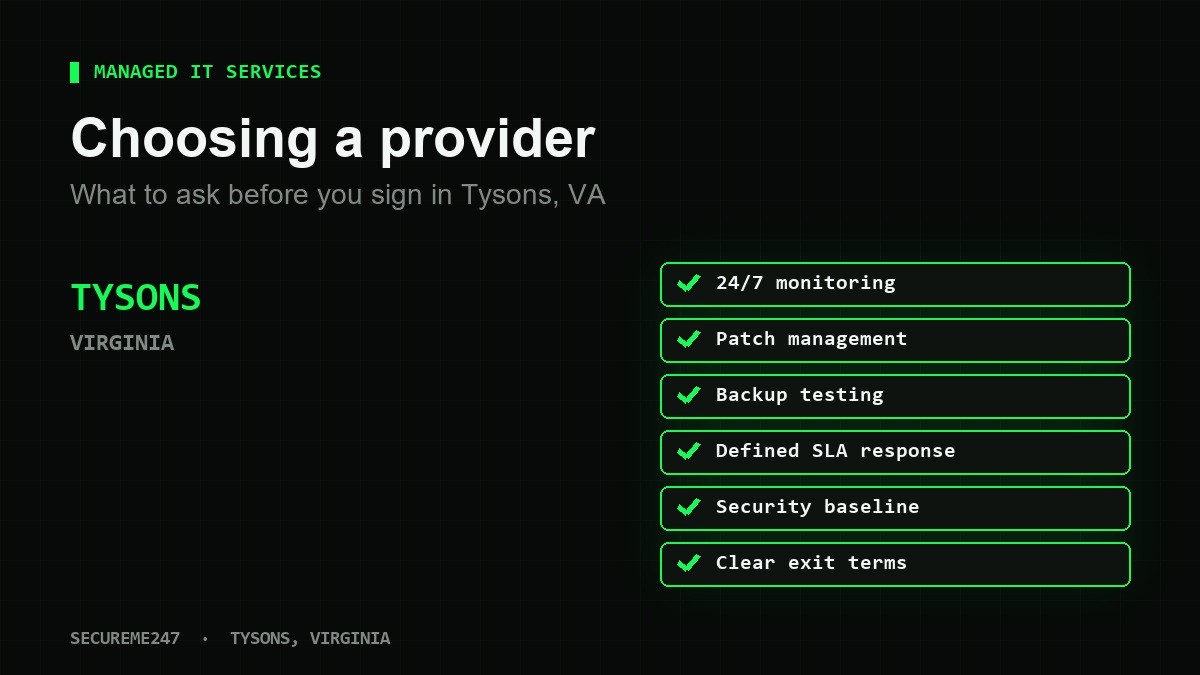
At minimum, a managed IT services agreement should cover remote and on-site help desk support, 24/7 monitoring of servers, workstations, and network devices, patch management for operating systems and common business applications, managed backup with regular restore testing, and basic endpoint security such as antivirus or endpoint detection and response. If any of these are sold as separate add-ons rather than core coverage, ask why.
Where Providers Differ
Beyond the basics, providers vary widely on strategic planning, sometimes called virtual CIO or vCIO service, vendor management for things like your internet circuit or line of business software, documentation quality, and how proactively they replace aging hardware before it fails. These differences rarely show up in a sales pitch, so ask to see a sample quarterly business review or technology roadmap document before you sign anything.
Pricing is usually the first question a business asks, and it deserves its own breakdown. See our guide to how much managed IT services cost in Tysons, VA for typical per user ranges and what drives them up or down.
Questions to Ask Before You Sign a Contract
A short conversation with a sales representative will not tell you how a provider actually operates. Ask these questions directly and pay attention to how specific the answers are:
How many technicians support each client, and what is your average ticket response time during business hours? What does after hours coverage look like, and is it included or billed separately? How often do you test backup restores, not just confirm that a backup job ran? Can you show a sample of the monthly or quarterly reporting we would receive? What is the process and cost if we want to leave at the end of the contract term?
Response Time and Service Level Agreements
A service level agreement, or SLA, should define response times by ticket priority, not just promise fast service in general terms. A critical outage, like a down server or a company wide network failure, should get a response within minutes, while a routine password reset can reasonably wait longer. After hours and weekend coverage typically adds roughly 15 to 30 percent to a base managed services rate, so ask whether that coverage is already built into your quote or priced on top of it.
Security Baseline: What a Modern Provider Should Cover by Default
Cybersecurity is no longer a premium add-on for most businesses, it is a baseline expectation. A managed IT services provider working in 2026 should default to multi factor authentication on email and remote access, endpoint detection and response rather than legacy antivirus alone, email filtering that catches phishing before it reaches an inbox, and a patch cadence measured in days, not months. If your business touches federal contracts or handles controlled unclassified information, ask whether the provider is familiar with NIST SP 800-171, since that framework underpins most Department of Defense contractor requirements in this region.
Local Considerations for Tysons Businesses
Tysons has a specific mix of office conditions that affect how IT gets delivered. Many companies operate out of multi tenant high rises where the building, not the tenant, controls the internet demarcation point and sometimes the physical wiring closet access, which can slow down circuit changes or new cabling work. Hybrid work is common given the Silver Line access, so a provider needs a support model that works equally well for someone in the office near Tysons Corner Center and someone working from home. And because the area draws a concentration of financial services, professional services, and government adjacent firms, client confidentiality and uptime expectations tend to run higher than in a typical small business market.
Those industry specific pressures are common enough in Tysons that we wrote a separate guide on managed IT services for financial and professional services firms covering the questions unique to that kind of business.
Red Flags That Predict a Bad Fit
A few patterns tend to predict a disappointing relationship down the road. Watch for a long contract term with no defined SLA, a provider that cannot describe how or how often they test backup restores, vague language around what is included versus billed as a project, a single named technician who handles everything with no documented backup coverage, and pricing that looks like managed services on paper but is structured as pay per incident once you read the fine print.
How to Compare Proposals Apples to Apples
When you have two or three proposals in hand, line them up on the same criteria: per user monthly price and what user tiers include, whether after hours support is included or extra, onboarding timeline and what happens to your existing documentation, how often backups are tested and reported on, contract length and renewal terms, and exit terms if the relationship does not work out. A lower monthly number that hides after hours fees, project work, or a lengthy lock-in is not actually the cheaper option.
Frequently Asked Questions
What is the difference between managed IT services and break-fix IT support?
Break-fix means you call a technician when something breaks and pay for that visit. Managed IT services means a provider is proactively monitoring, patching, and maintaining your systems under a flat monthly agreement, with the goal of preventing problems rather than just responding to them.
How long does it take to onboard a new managed IT services provider?
Most onboarding runs two to six weeks depending on the number of users, the state of existing documentation, and how many systems need to be inventoried and secured. A provider that promises same week onboarding for a business with more than a handful of users is likely skipping steps.
Do managed IT services include cybersecurity?
Basic security, such as endpoint protection, patching, and email filtering, is typically included. Deeper services like managed detection and response, security awareness training, or compliance work for frameworks like CMMC or HIPAA are often priced as an add-on, so confirm what is bundled versus separate.
Can a managed IT services provider work alongside an in-house IT person?
Yes, this is common and often called co-managed IT. The provider typically handles help desk overflow, after hours monitoring, and specialized security tooling, while the in-house person focuses on daily operations and institutional knowledge of the business.
What happens if we outgrow our current provider?
Growth is one of the more common reasons businesses switch providers, usually when ticket response times slip, the provider lacks expertise in a new compliance requirement, or the business opens a second location the current provider cannot reasonably support. Review your contract’s exit terms well before you need them.
SecureMe247 supports businesses in Tysons and the surrounding Northern Virginia area with managed IT services built around the realities of hybrid work, multi tenant office buildings, and the compliance pressures common to finance and professional services firms in the region.
Ready to strengthen your security posture?
Get a free security assessment, no obligation.